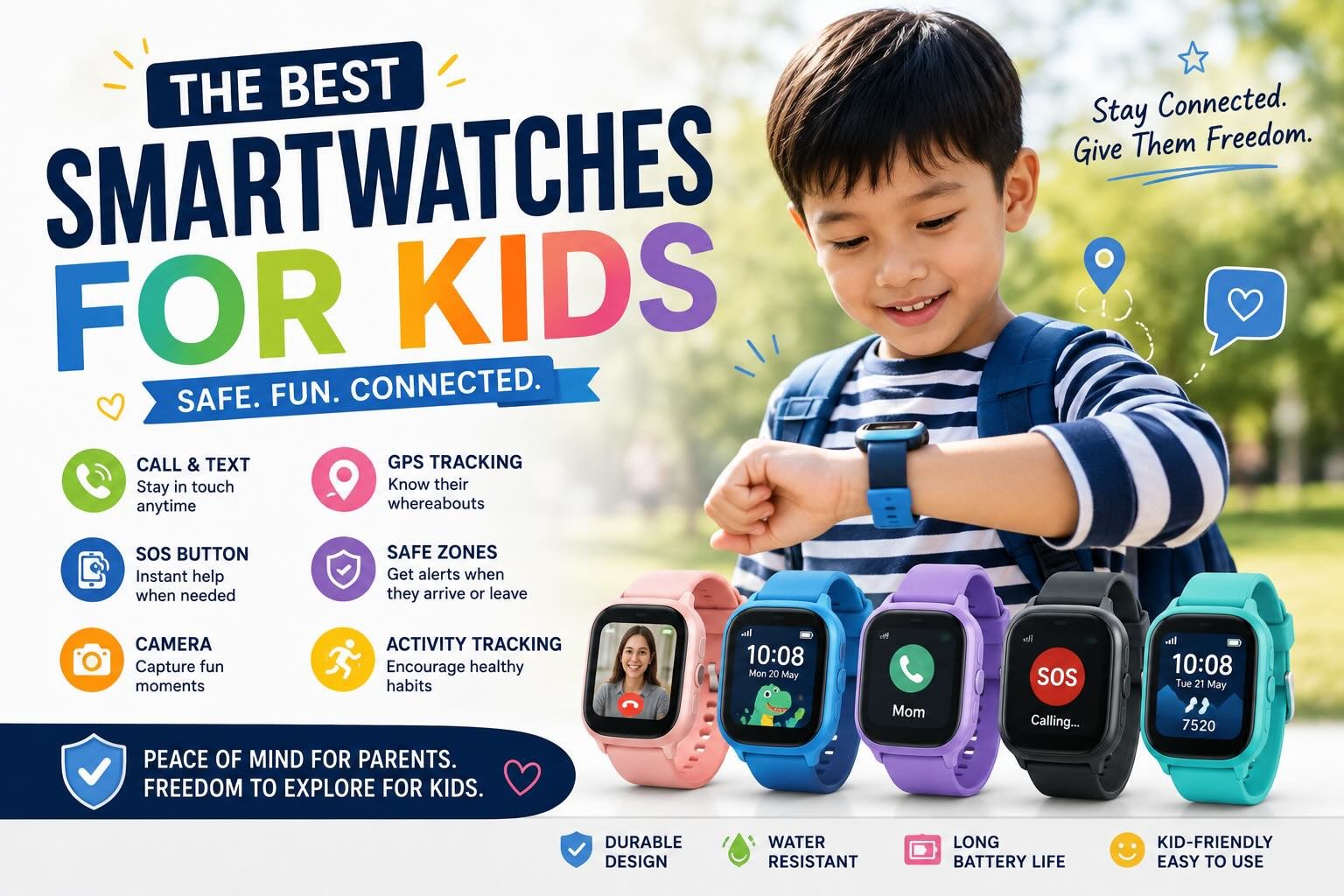
5 Best Smartwatches for Kids
A kids’ smartwatch gives a child a small, supervised way to call family and share their location without opening the full internet and social-media access of a smartphone. The strongest choices prioritise approved contacts, dependable GPS, school-day controls, comfortable designs, and a service plan that fits the family budget.
The best device depends on the child’s maturity, school rules, carrier coverage, and the level of communication parents want to allow. A parent-testing review found that safety features such as location history, SOS functions, parental controls, and school mode were central to choosing suitable watches, while battery life and durability varied considerably across models.
Quick picks:
- Best monitored option: Bark Watch
- Best for calls and video messages: TickTalk 5
- Best for GPS-focused family control: COSMO JrTrack 5
- Best minimal-distraction design: Gabb Watch 3e
1) Bark Watch
Bark Watch suits families seeking monitored communication and safety alerts in a child-focused wearable. Its appeal comes from combining location visibility with parental oversight, giving caregivers a way to stay connected while keeping the device more limited than a smartphone.
Parents should confirm the watch’s supported network, service availability in Singapore, contact-approval settings, and school-mode controls before purchase. Bark Watch is best evaluated as a safety and monitoring device, so families should check precisely which alerts are included in the current plan.
A smartwatch also collects sensitive information, including location data. Families should review privacy settings, account security, data retention, and who can access alerts before activating any connected watch. The watch fits children who need regular check-ins and guided independence, especially when caregivers want more supervision than a basic activity tracker provides.
2) TickTalk 5
TickTalk 5 is the communication-led choice, with calling, messaging, video calling, GPS tracking, and approved-contact controls built around frequent family contact. Parent testing rated its sound quality highly, with calls described as comparable to a phone, while the listed battery life was about two days.
The watch uses TickTalk wireless through AT&T or T-Mobile in the cited testing context, so Singapore families must verify local compatibility before buying. The review listed a device price of $141 and a $10 monthly plan, dated here to August 2026; local taxes, shipping, currency conversion, and activation charges can change the final cost.
Video communication adds convenience for relatives and caregivers, though it also increases screen use and data exposure. TickTalk 5 works best for children who need richer two-way contact and can follow clear rules about when messaging and video calls are appropriate.
3) COSMO JrTrack 5
COSMO JrTrack 5 places GPS tracking and parent-managed safety features at the centre of the experience. It was listed at $130 with an $18-per-month Cosmo Mobile plan, and parent testing highlighted SOS mode, straightforward setup, and child-friendly usability.
Location alerts can arrive with delays of up to 30 minutes, so the watch should support family check-ins without being treated as a live safety guarantee. GPS performance also depends on cellular coverage, indoor conditions, battery level, and the watch’s connection to satellites.
The subscription and carrier arrangement require careful checking for Singapore use. JrTrack 5 is a practical fit for families prioritising location history, SOS access, and a manageable interface over entertainment features. Caregivers should create approved contacts and test geofences before handing it to a child.
4) Gabb Watch 3e
Gabb Watch 3e is designed for families that want tight parental controls and a low-distraction communication tool. Its companion app was praised for intuitive controls, while the listed monthly cost was $13 to $18 and battery life ranged from 12 to 48 hours.
The device price was listed at $150 in the cited comparison. Gabb cellular service is part of the expected setup, so parents in Singapore should verify whether the watch and plan operate locally before committing.
Shorter battery life than some rivals means charging should become part of the child’s evening routine. Gabb Watch 3e suits younger children who need approved calling and location features with firm limits on contacts and digital distractions. Its restrained approach also makes school-policy discussions easier, provided the school permits connected watches.
5) Garmin Bounce
Garmin Bounce combines child-focused messaging and location tracking with a stronger fitness orientation than the other listed choices. The comparison listed real-time GPS tracking, up to two days of battery life, a $300 device price, and a $10-per-month Garmin LTE plan.
Families should confirm Garmin LTE availability and compatible service arrangements in Singapore. The watch is a better match for children who enjoy activity goals and basic fitness feedback alongside communication, while parents should check whether the school allows those features during lessons.
GPS remains dependent on signal conditions and battery charge, so location updates should be interpreted as useful information rather than continuous supervision. Bounce works well for an active child who can manage charging and follow limits on messaging, location sharing, and classroom use.
How to Choose a Kids Smartwatch
A suitable kids smartwatch should match the child’s communication needs, location expectations, school environment, and recurring service budget. Parent testing across multiple models assessed setup, connectivity, tracking, software, durability, and comfort, which are more useful buying criteria than a long list of novelty features.
| Watch | Communication focus | GPS focus | Battery listed | Monthly plan |
|---|---|---|---|---|
| Bark Watch | Monitored contact | Safety alerts | Owner-dependent | Owner-dependent |
| TickTalk 5 | Calls and video | Location tracking | About 2 days | $10 |
| COSMO JrTrack 5 | Calls and messages | GPS and SOS | Not listed | $18 |
| Gabb Watch 3e | Approved contacts | Parent app tracking | 12–48 hours | $13–18 |
| Garmin Bounce | Messaging and fitness | Real-time GPS | Up to 2 days | $10 |
Prices and plans above come from the supplied comparison where available and require local verification for Singapore.
Does Your Child Need Calling, Texting, or Video Calling?
Calling is enough for a child who needs pickup coordination or emergency contact. Text and voice messages help when a child cannot answer, while video calling suits families who value face-to-face contact with relatives and accept the extra screen use.
Approved-contact lists should be configured before the watch reaches the child. A basic model is a sensible starting point for children under 12, with additional features introduced as maturity and daily needs develop.
How Accurate and Useful Is the GPS Tracking?
GPS is useful for checking recent location, reviewing movement history, and receiving geofence alerts. It does not guarantee an uninterrupted live position, especially indoors, in weak cellular coverage, or when the battery is low.
Parents should test the watch around home, school routes, and regular activity locations. JrTrack 5’s alerts were reported as delayed by up to 30 minutes, illustrating why a watch should supplement agreed check-ins and emergency plans.
Which Parental Controls Matter Most?
The most useful controls include approved contacts, SOS access, location history, geofences, call and message records, school mode, and programmable quiet periods. A clear companion app reduces setup mistakes and makes routine checks quicker.
Parents should also inspect privacy permissions and account security. Location data deserves careful handling, including strong passwords, limited account access, and a conversation with the child about who can see their position.
What Ongoing Service Plan Costs Should You Expect?
The listed plans range from $10 to $18 per month, with device prices ranging from $130 to $300 among the models with published figures. Local carrier compatibility, taxes, activation, roaming, and replacement costs can change the total in Singapore.
A watch that requires a dedicated cellular plan creates a continuing household expense. Parents should calculate a full year of service, confirm cancellation terms, and check whether emergency calling or GPS features stop when the subscription lapses.
Kids Smartwatch Safety and School Considerations
Safety depends on restricted contacts, sensible privacy settings, reliable routines, and school cooperation. A connected watch gives a child useful independence, though its GPS and communication functions should support family rules and emergency planning.
Can the Watch Restrict Contacts and Internet Access?
Approved-contact controls limit who can call or message the child, while child-focused watches reduce access to open web browsing and social media. Parents should check whether unknown numbers, app downloads, photo sharing, and internet access are blocked or configurable.
The child should know which contacts are authorised and what to do if a message looks unusual. Caregivers also need to review permissions and manufacturer security practices because a compromised account could expose personal or location information.
How Does School Mode Reduce Distractions?
School mode silences calls, messages, and selected functions during scheduled periods while preserving approved emergency access on supported devices. Parents should set times that match the school day and confirm the school’s own wearable-device policy.
A child still needs practice using the watch discreetly and following teacher instructions. Some schools prohibit all connected watches during assessments or lessons, so school mode does not replace permission.
When Is a Smartwatch Better Than a First Phone?
A smartwatch fits a child who needs calling, location sharing, and family contact with a smaller interface and fewer opportunities for unrestricted browsing. Its limited screen makes extended content consumption more difficult, which supports a gradual introduction to connected technology.
A first phone may suit an older child who needs transport apps, group coordination, accessibility tools, or broader school-approved functionality. Families should assess maturity, daily routines, emergency needs, and the school’s rules before choosing either device.